How to Move Your Academy from Messaging Apps and Spreadsheets to One Platform Without Disrupting Classes
When an academy realises that messaging apps, spreadsheets, calendars and several separate tools are no longer supporting its growth, the next question is usually: how do we move to one platform without creating chaos?
This is an important question. The academy is already operating. It already has students, teachers, groups, schedules, homework, parents, payments and established routines. You cannot simply announce: “Starting Monday, everything changes.”
A sudden switch often creates unnecessary stress for staff, parents and students. A safer approach is to move gradually.
The safest way to move an academy from spreadsheets, chats and separate tools to one platform is gradually: create the academy structure, run a small pilot, move homework and schedules step by step, train staff only on what they need, and retire duplicate systems only after the new workflow is stable.
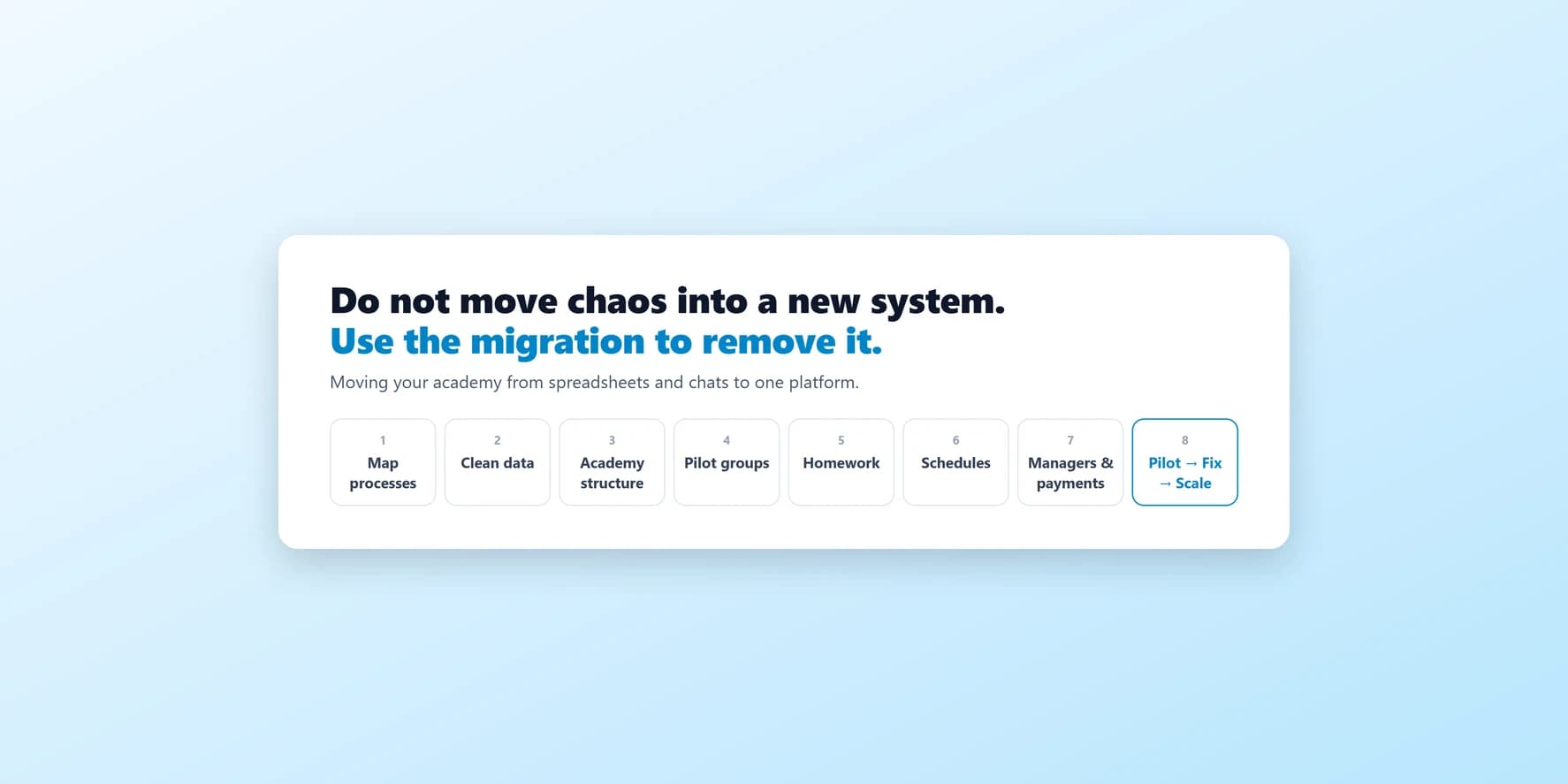
- Map current processes
- Clean student data
- Create academy structure
- Select pilot groups
- Train teachers
- Move homework
- Move scheduling
- Add managers
- Connect payments
- Scale academy-wide
Pilot → Fix → Scale.
Do not change everything on day one
This is the most important principle. Digital transformation is not one giant switch. It is better to treat it as a sequence of smaller transitions — for example, students first; then teachers; then groups; then homework; then schedules; then managers; then payments.
Each stage can be tested before the next one begins.
First, understand what already works
Not every existing tool is a problem. Messaging apps can be excellent for quick communication. The current academy website may already work perfectly for marketing and enquiries. The existing bank may already handle payments well.
There is no reason to replace a tool simply because a new platform exists. The real question is: which processes are actually creating problems? If you are still deciding whether the move is needed at all, start with the signs that an academy has outgrown manual management.
Map your current processes
Before migrating, list where each type of information currently lives. Where is the student list? Where are groups managed? Where is the schedule? Where do teachers send homework? Where are results stored? Where does the manager track payments? How do parents receive information?
This exercise quickly reveals where information is duplicated.
One student may exist in five different places
For example, the same student may appear in a spreadsheet, a group chat, a teacher's personal list, a payment table and a calendar. When something changes, the same information has to be updated several times. That is exactly what a migration should gradually eliminate.
Before migration
The student appears in: spreadsheet · chat · calendar · payment table · teacher list
After migration
One student record → groups · homework · schedule · results · payment status
One record. Connected workflows.
Do not start with the most complicated process
A common mistake is to begin with payment integrations, accounting, multiple branches or years of historical data. That increases risk unnecessarily.
A better starting point is usually something simple: teachers + students + groups. This creates the foundation.
Step 1: Create the academy structure
The platform should first reflect the real academy. Add the academy, managers, teachers, groups and students. There is no need to change the teaching process immediately. First, create a digital structure that mirrors the actual organisation — see one platform for academy owners, managers, teachers and students.
Clean the data before moving it
Migration is a good opportunity to fix old data problems. Is the student still active? Which group are they in? Who is the teacher? Is the name correct? Are there duplicate records?
Moving to a new system while importing old errors simply recreates the same problems in a new place.
Do not migrate everything
An academy that has been operating for several years may have old students, old groups, old schedules, old chats and old spreadsheets. Not everything needs to move. Often it is enough to migrate active students, current groups, current staff and current schedules. Historical information can remain archived.
Step 2: Start with a small pilot
There is no need to connect 500 students immediately. Start with one teacher, two or three groups, 20–30 students. This is a real pilot.
It shows what teachers find confusing, what parents ask about, which settings need adjustment and what the academy forgot to plan for.
A pilot should include real users
Do not test only with the management team. The platform should complete a real learning cycle: teacher → student → parent → homework → practice → result. That is when real usability issues become visible.
Start with a small academy pilot. Connect a few groups first, learn what works, then expand. Amavit for academies.
Step 3: Teach staff only what they need first
Do not show teachers every feature on day one. If they only need to open their group, see students, assign homework and review results, teach those four actions first. More advanced features can come later.
The simpler the first experience, the less resistance there will be.
Do not turn onboarding into a large training course
A teacher should not need a week of software training before starting. A better first onboarding is: here are your groups; here are your students; here is how to assign homework; here is where you see the result. That is enough to begin — the same idea as the first-week checklist for teachers.
Step 4: Do not ban messaging apps immediately
This is especially important. Messaging apps can remain useful for quick communication, personal questions, urgent changes and reminders.
What should move first is structured information. For example, homework should not exist only inside a chat. The assignment lives in the platform. The messenger may simply say: “You have new homework in the platform.”
Messaging apps
- Communication
- Urgent messages
- Personal questions
- Reminders
Platform
- Student records
- Homework
- Schedules
- Results
- Learning data
Do not make a messenger your database.
A good transition rule
Messaging app = communication. Platform = source of truth.
That means the official information lives in one place.
What does “source of truth” mean?
It means there is one system the academy considers authoritative. For example: if the schedule in a group chat differs from the schedule in the platform, which one is correct? There should be only one answer. Otherwise staff will end up maintaining two parallel systems.
Step 5: Move homework into the platform
For mental arithmetic academies, homework is often one of the most useful early processes to centralise. Instead of teachers sending different assignments through chats, students losing messages and parents asking what needs to be done, homework becomes part of the student environment.
The teacher assigns it. The student sees it. The result is saved. We looked at this shift in detail in moving abacus homework beyond WhatsApp.
Workbooks can still remain part of the process
Digital migration does not mean removing paper materials. Teachers can continue using workbooks. Homework can combine workbook pages, digital practice and additional materials. The organisation changes. The methodology does not necessarily change.
Step 6: Move scheduling into one system
Scheduling is usually better moved after staff has already become familiar with the platform. The reason is simple: schedules affect many people at once — teachers, managers, students and parents. Before the change, everyone needs to know where the official schedule will now live.
Do not keep three equal versions of the schedule
One version in a calendar, another in a spreadsheet, a third in the platform — that creates more problems than before. After the transition period, one source should become primary.
Step 7: Bring managers deeper into the system
Once the core learning processes are working, managers can use the platform more actively for students, groups, schedules, organisational workflows and payment-related information. Managers often become some of the most important users of the academy system.
Managers often provide the best operational feedback
They see every day where parents become confused, what teachers forget, which processes are duplicated, where the platform saves time and where manual work still remains. Their feedback is extremely valuable during migration.
Step 8: Add payment integration later
Payments are more sensitive. That is why they are rarely the best first step. The academy should first be comfortable with student records, groups, schedules and roles. Then payment workflows can be connected more safely.
Financial migration requires extra care
An error involving a student, payment status, amount or access can immediately create parent dissatisfaction. So early payment integration should include manual verification, pilot testing and clear exception handling. Only after the process is stable should automation become deeper.
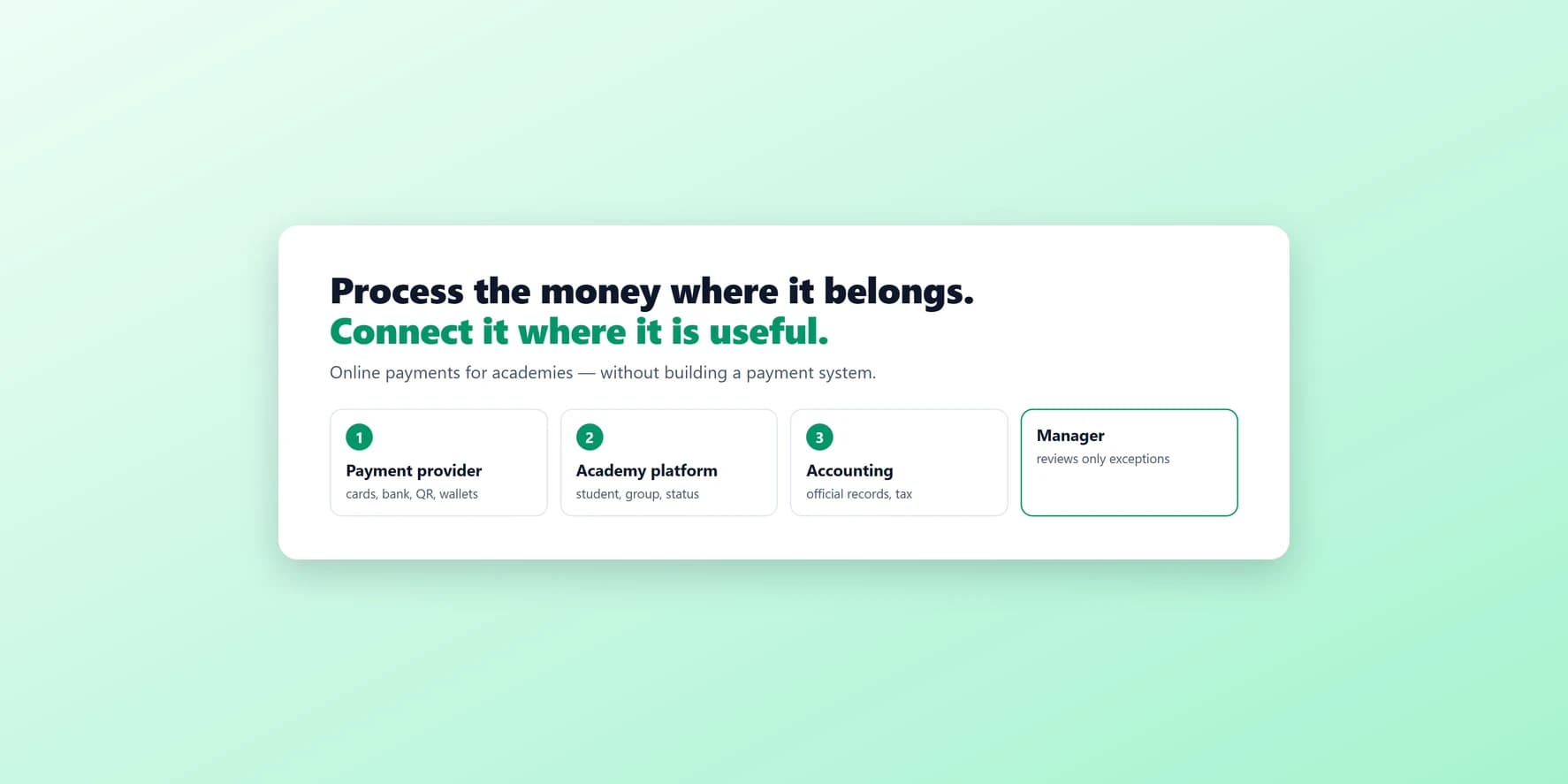
For how this layer works without the academy building its own payment system, see online payments for education academies.
Step 9: Decide how Premium will work
There are two main models.
Family-paid Premium
The family decides whether Premium is needed and purchases it separately.
Academy-sponsored Premium
The academy includes full digital access in its programme.
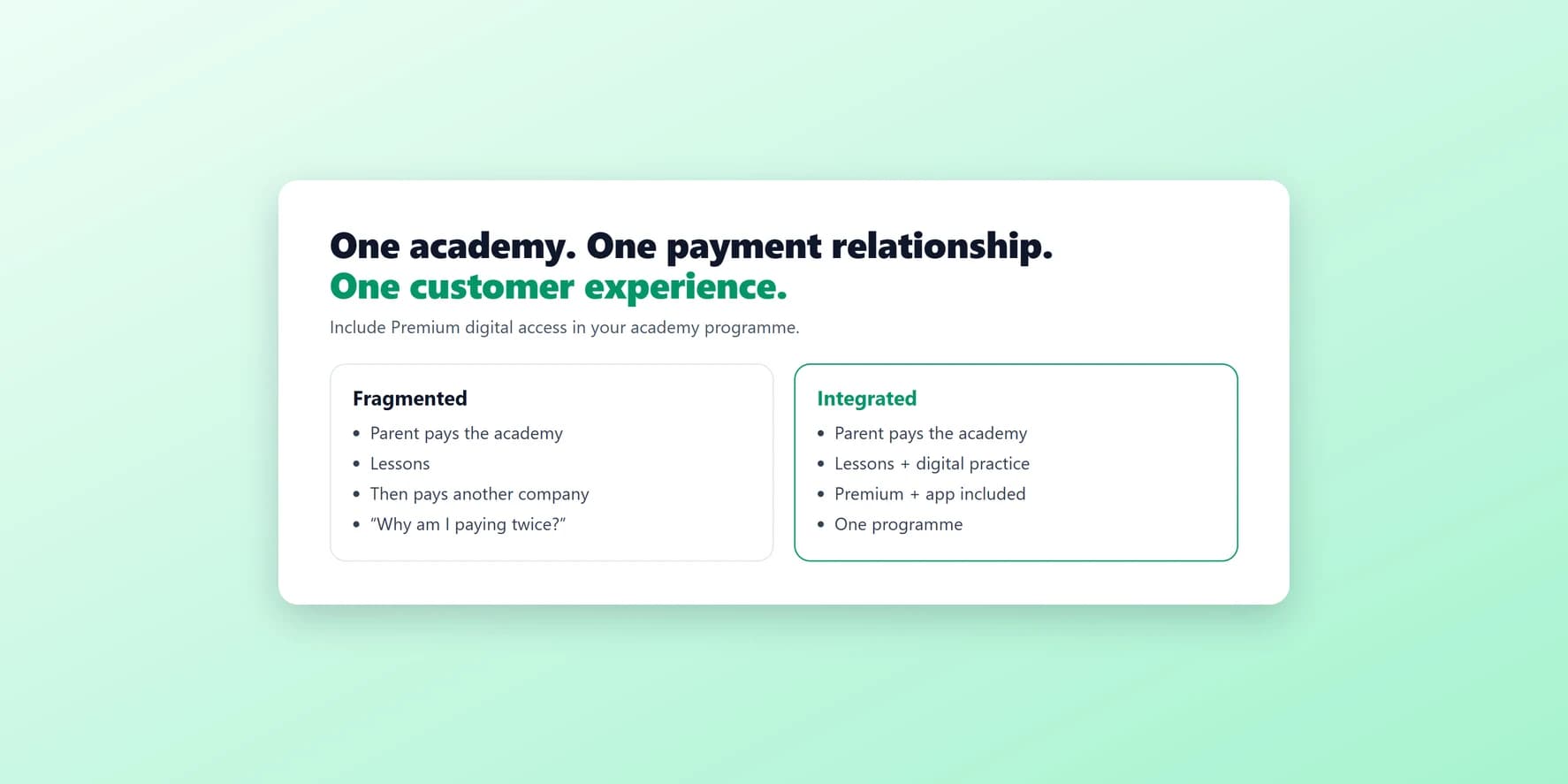
It is useful to decide this before migration is complete. Parents should know clearly what tuition includes, what it does not include and whether any additional payment is required — see why some academies include Premium access directly in tuition.
Do not change the commercial model without explaining it
If parents previously paid only the academy and a new separate subscription suddenly appears after migration, this can create confusion. Any commercial change should be clear, transparent and communicated in advance.
Explain the benefit, not the software project
Do not tell parents: “We are implementing new software.” A better message is: “Homework, practice, schedules and results will now be available in one place.” Parents care about the result. Not the technical project behind it.
How to explain the transition to parents
Keep the message simple. For example:
“We are introducing a new digital learning environment for our students. You will be able to access practice, homework and academy information in one place.”
There is rarely a need for a long technical explanation.
Keep parent onboarding short
A good onboarding may be one link, one short video and a few simple steps:
- Open the app
- Log in
- Open your academy environment
- Find the homework
- Start practice
The fewer steps, the easier adoption becomes.
Step 10: Scale only after the pilot works
Once the pilot is stable — teachers understand the system, students are using it, parents know where to find information and managers understand the workflow — the academy can begin adding more groups.
Roll out in waves
For example: week 1 — pilot groups; week 2 — additional teachers; week 3 — the full branch; week 4 — another branch. This is usually safer than one large launch.
Do not keep the old system forever
This is one of the most common migration mistakes. The academy launches a new platform. But still keeps old spreadsheets, homework in chats, the old calendar and old reporting processes. Now staff has to work in two systems. Digital transformation becomes additional administration.
Every old tool needs a decision
| Old tool | Decision |
|---|---|
| Student spreadsheet | Closed after migration |
| Homework in chats | Discontinued |
| Calendar | Either retained or replaced |
| Payment spreadsheet | Gradually retired |
Some tools should remain
Messaging apps for communication; accounting software for official financial records; banks or payment providers for transactions; the academy website for marketing. The goal is not for Amavit to replace every tool. The goal is for every system to have a clear role.
A clean technology structure can look like this
| System | Role |
|---|---|
| Website | Keep for marketing and leads |
| Amavit | Academy operations and learning |
| Bank / payment provider | Keep for transactions |
| Accounting | Keep for official financial records |
| Messaging app | Keep for communication |
The goal is not one tool for everything. The goal is one clear role for every tool.
This is usually more practical than trying to force one platform to do absolutely everything.
See Amavit for schools and academies. Bring students, teachers, homework and academy operations into one connected environment. Amavit for academies.
Do not move bad processes into a new system
This is critical. Digitising an inefficient process does not make it efficient. If the academy has been doing an unnecessary operation for years, there is no reason to automate it simply because it exists. Migration is a good moment to ask: “Why are we doing this at all?”
Do not move chaos into a new system. Use the migration to remove the chaos.
Use migration to simplify operations
Remove duplicate spreadsheets, unnecessary approvals, manual reminders, multiple versions of the same schedule and reports nobody uses. That is when a platform actually reduces administrative workload.
Assign clear responsibility
For example: one person owns the migration; another supports teachers; another handles parent communication. If responsibility is vague, important tasks are often left unfinished.
The owner should not do everything personally
Even in a small academy, it is useful to appoint one manager as the internal platform owner. Not a developer — but someone who understands how the academy should work inside the system.
That person becomes the internal coordinator. They collect feedback from teachers, managers and parents and help the academy improve the workflow over time.
Do not measure success only by registrations
You can create accounts for 500 students. That does not mean the migration succeeded. Look at how many actually use the platform, whether homework is being completed, whether teachers use the system, whether manual operations have decreased and whether repetitive parent questions have decreased.
The real metric is whether old manual work disappears
A manager used to spend two hours on repetitive administration — now it takes 30 minutes. That is a real result. A teacher used to send 20 individual messages — now they create one assignment. That is real improvement.
A successful migration is not when every account is created. It is when old manual work disappears.
Do not expect perfection on day one
After launch, there will be questions, confusion, new ideas and requests. That is normal. The goal is not to solve every possible problem before the pilot begins.
Real users always reveal more than planning meetings
A process can look perfect during internal discussions. Then a teacher, a parent or a student uses it in real life. That is when the real friction appears. A controlled pilot is often more useful than endless planning.
A safe migration could look like this
| When | What |
|---|---|
| Week 1 | Create the academy structure |
| Week 2 | Add teachers and pilot groups |
| Week 3 | Start homework and practice |
| Week 4 | Move the schedule |
| Next stage | Managers and payments |
This is only an example. Each academy can choose its own pace — and can begin without any development work, as described in launching an academy platform without hiring developers.
Do not present migration as a revolution
For staff and parents, a calmer transition usually works better. Not “Everything changes tomorrow,” but “We are gradually moving our main processes into one more convenient system.” This reduces resistance.
Teachers need to understand their personal benefit
If a teacher hears only “Now you must use a new platform,” they may see it as another obligation. If they understand fewer messages, less manual checking, homework stored in one place and results collected automatically, the change feels very different.
Managers need to see the benefit too
They should experience less manual searching, fewer duplicate spreadsheets, fewer repetitive questions and fewer manual reminders. The platform should not feel like a surveillance system. It should reduce routine work.
Parents should mostly notice convenience
Parents do not need to understand how the academy is restructuring internal operations. They need one clear login, homework in one place, practice available and schedules easy to find.
Students should notice even less complexity
For the child, the experience should be simple: open; see the task; complete it; see the result. The complexity of migration should happen around the student, not on the student.
How do you know the migration is finished?
Not when every account has been created. It is finished when staff actually works in the system, students actually use it, parents know where to find information, duplicate old processes have been switched off and manual administration has decreased.
That is when the migration is real.
The main conclusion
Moving an academy from messaging apps, spreadsheets and disconnected tools to one platform does not need to become a painful IT project. The safer approach is gradual: academy structure, teachers, groups, students, homework, practice, scheduling, managers, payments.
Begin with a pilot. Fix what does not work. Then scale. And at the same time, gradually remove the duplicate processes that the platform is supposed to replace.
That is when a digital platform starts doing its real job: not adding one more tool, but making the academy easier to manage, more transparent and easier to scale.
Ready to simplify your academy operations? Start with a pilot and grow from there — request academy access.
Frequently asked questions
Should an academy move everything to a new platform at once?
Usually not. A gradual migration with pilot groups is easier to manage and creates less disruption.
What should an academy migrate first?
A practical starting point is usually the core structure: active students, teachers and groups.
Should messaging apps be removed completely?
No. Messaging apps can remain useful for communication and reminders. Structured academy information should simply live in a more appropriate system.
Do we need to migrate all historical student data?
Not necessarily. Many academies can begin with active students, current groups, current staff and current schedules while keeping older information archived.
How many students should be included in a pilot?
There is no universal number, but a small set of real groups is usually more useful than an internal test with no real students or parents.
Should payments be migrated first?
Usually no. Payments are sensitive and are often better introduced after student records, groups and roles are already working reliably.
Can we keep our existing website?
Yes. The website can continue handling marketing and enquiries while the platform handles academy operations and learning.
Can we keep our messaging app?
Yes. It can remain a communication tool while the platform becomes the source of truth for structured information.
How do we know the migration was successful?
Success means staff actually uses the system, students and parents understand the workflow, duplicate processes have been removed and manual administration has decreased.
Do teachers need to change their methodology during migration?
No. The academy can change how operations are organised without replacing its teaching methodology.